How I Built My AI Fitness Assistant with OpenClaw
Toby explains how he built a personal AI assistant to correlate data from Speediance, Tonal, Garmin, Whoop, and 8Sleep - creating morning and nightly fitness reports that tell him how hard to train and how well he performed.
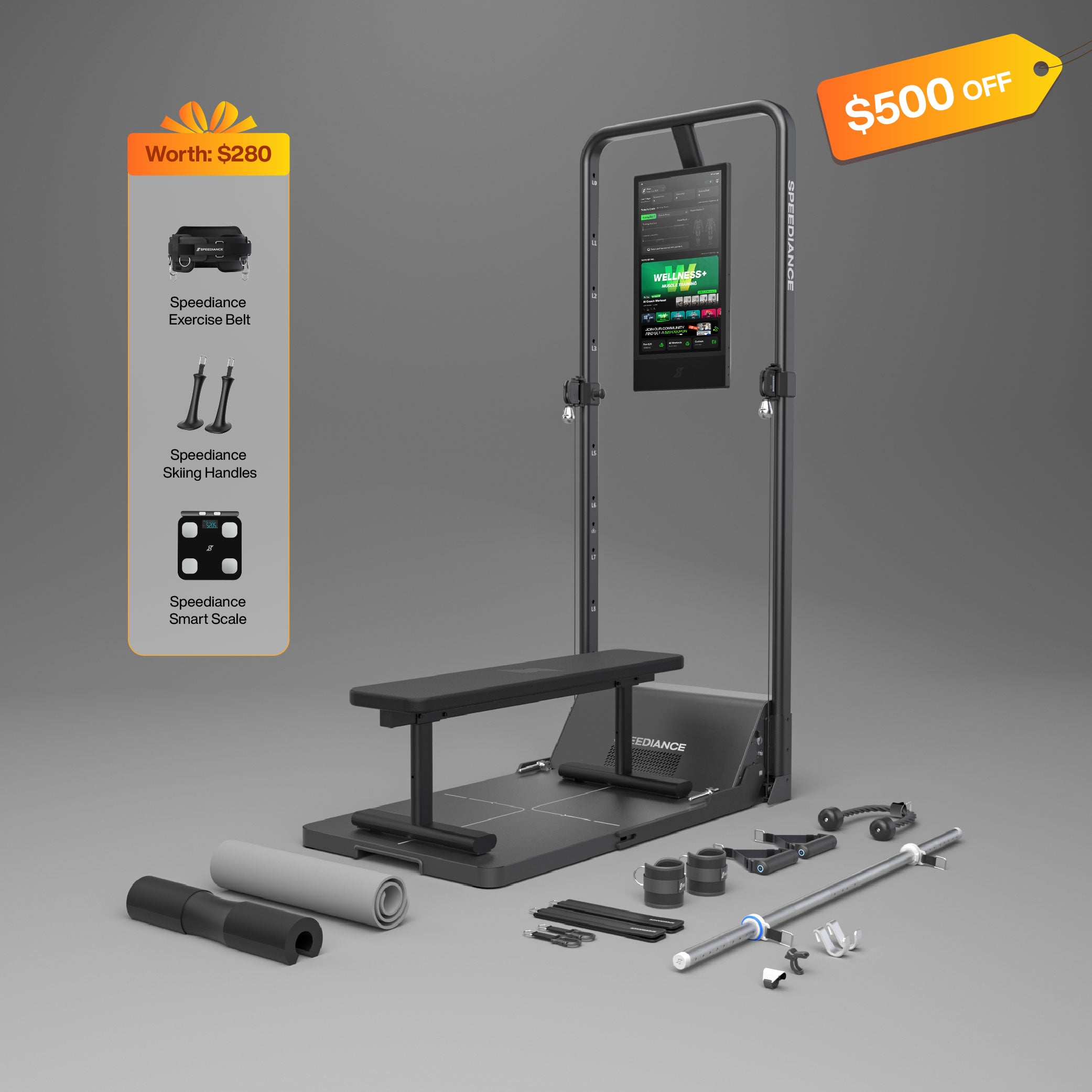
I've been dealing with a problem for years now - I have too many fitness devices that don't talk to each other. I've got a Speediance gym monster, a Tonal, a Garmin watch, a Whoop, and an 8Sleep mattress. That's five different fitness technologies, and they all tell me something different every single night.
Here's the thing: none of them share data natively. The Speediance and Tonal don't even have web apps anymore. They're walled gardens. I used to be able to correlate data through web apps, but as those disappeared, I lost the ability to see the full picture of my fitness.
So I built my own solution using OpenClaw.
The Morning Report & Nightly Report
Every morning, my OpenClaw-powered assistant runs and generates a morning fitness report that tells me exactly how hard I should train that day. Every night, it generates a report showing how well I did. It's like having a personal trainer who never sleeps and knows everything about my fitness data.
The system pulls data from all my devices: Speediance for lifting volume, Garmin for runs, Whoop for strain and recovery, and 8Sleep for sleep quality. It correlates all this information to give me a complete picture.
One thing I recently discovered: Whoop is now taking into account calories burned from Apple Health, which has made my strain scores way more accurate. My manually entered Speediance workouts were counting for zero strain before, but now I'm getting 10+ strain from them. This might sound minor, but it makes a huge difference in tracking progressive overload.
The Hardware Setup
I run OpenClaw on Mac Minis - specifically an M1 and an M4. I'll be honest: I initially tried running it on a Windows PC inside a virtual machine, and it was absolutely terrible. Hot garbage, honestly. The setup was a nightmare.
Then I loaded it onto my M1 Mac Mini, and it worked right out of the gate. Everything worked immediately. So I have three OpenClaw instances running on three different machines, each with their own specific purpose:
- Arya - Controls the fitness dashboard and task boards
- Claude - Handles complex integrations and verification
- Bob - My personal assistant with a second brain for reminders
Each one has its own workspace, tools, and responsibilities. They can even hand off tasks to each other when needed.
The LLM Stack: Free Options That Actually Work
One of the most impressive things about OpenClaw is that you can run it entirely on free LLM providers. I've tested extensively:
- Google - Works but makes major mistakes. One time it deleted its own configuration files.
- Nvidia (Kimmy K2.5) - Phenomenal when it works, but unreliable. Sometimes just hangs.
- Miniax M2.5 - The $10 plan is incredible. Slow but reliable. This is what I recommend for anyone on a budget.
The Miniax $10 plan is honestly the best deal in OpenClaw. It's reliable, deliberate, and I've only used about 36% of my monthly allocation because it's so efficient with tokens. When you combine it with free providers for simpler tasks, you can run a pretty sophisticated operation for just $10/month.
The Agent Swarm Approach
One of the most powerful features is running multiple agents in parallel. I'll spawn several agents to work on different pieces of a task simultaneously, then hand the results to a more capable model to assemble like a jigsaw puzzle. This saves tokens while still getting quality results.
I also have a local model called "Clarity" running on Ollama (Qwen3) for simple coding tasks. It saves even more on tokens since everything stays local.
Building Real Apps
Beyond fitness reports, I've been using OpenClaw to build actual applications. Currently working on a BJJ tracker app and a nutrition tracker. Yes, it can build apps - though I'll admit for small edits, sometimes it's faster to just edit the code directly.
For bigger tasks though, using Codex (the vibe coding tool) alongside OpenClaw is incredibly powerful. The combination means I never have to write HTML again.
Is It Revolutionary?
I've been around long enough to remember when people said the internet wasn't secure and that fax machines were better. We all know how that turned out.
I believe OpenClaw is that level of revolutionary. It's as big as the internet. The influencer who got me into this was Alex Finn, and honestly, I thought he'd be overhyping it like most influencers do. But after using it, I can tell you: it's real. It's genuinely life-changing technology.
The future is agentic. We're going to look back at manually coding everything the same way we look at fax machines today.
For anyone wanting to get started: get a Mac Mini, sign up for the Miniax $10 plan, hook up the free LLM providers, and start building. You won't regret it.
Keep Reading
Related Posts

1.2 Million Pounds: What 7 Months on the Speediance Actually Taught Me

The V3.1 Change That Finally Makes Progressive Overload Work